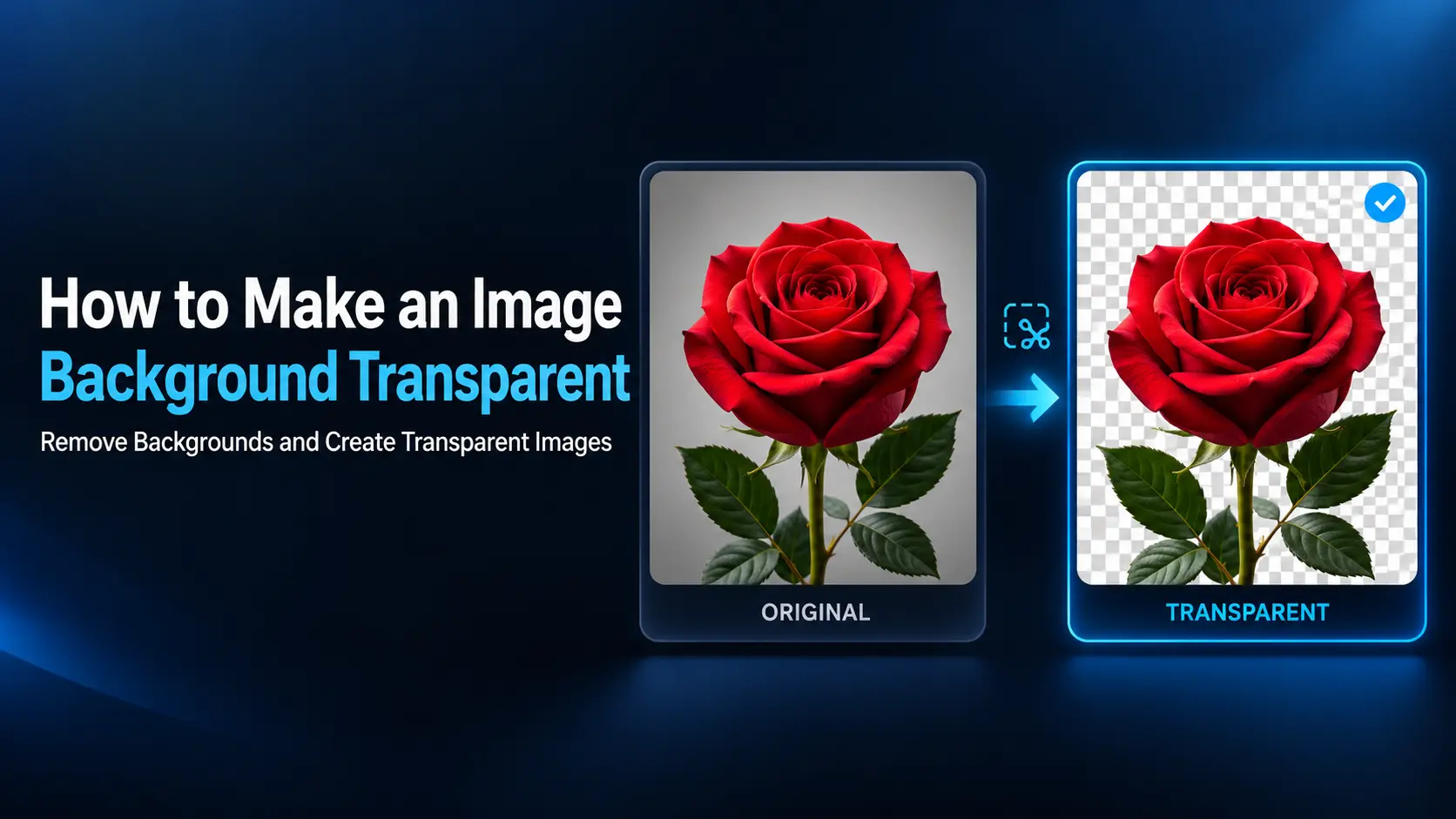
You add a logo to a website or place a product photo over a colored design, but a white rectangle appears around it. The image may look fine on a white page, yet its background becomes obvious everywhere else. Making that background transparent lets the surrounding design show through. It is useful for logos, product cutouts, presentation graphics, thumbnails, and …
Read More »How to Trim and Join Audio Files in Audacity
A voice recording often needs a little editing before it is ready to share. There may be silence before the first sentence, a mistake halfway through, or several separate recordings that belong together. Audacity provides the tools to make these changes on Windows, Mac, and Linux. You can shorten recordings, remove unwanted sections, arrange files in sequence, and export the …
Read More »How to Convert MOV to MP4 on Windows and Mac
You have a video that plays correctly on your computer, but a website refuses to upload it or another device cannot open it. When you check the filename, it ends in .mov instead of .mp4. MOV is a useful video format, especially in Apple and video-editing workflows. However, an MP4 file with widely supported video and audio codecs is often …
Read More »How to Convert HEIC Photos to JPG on Windows and Mac
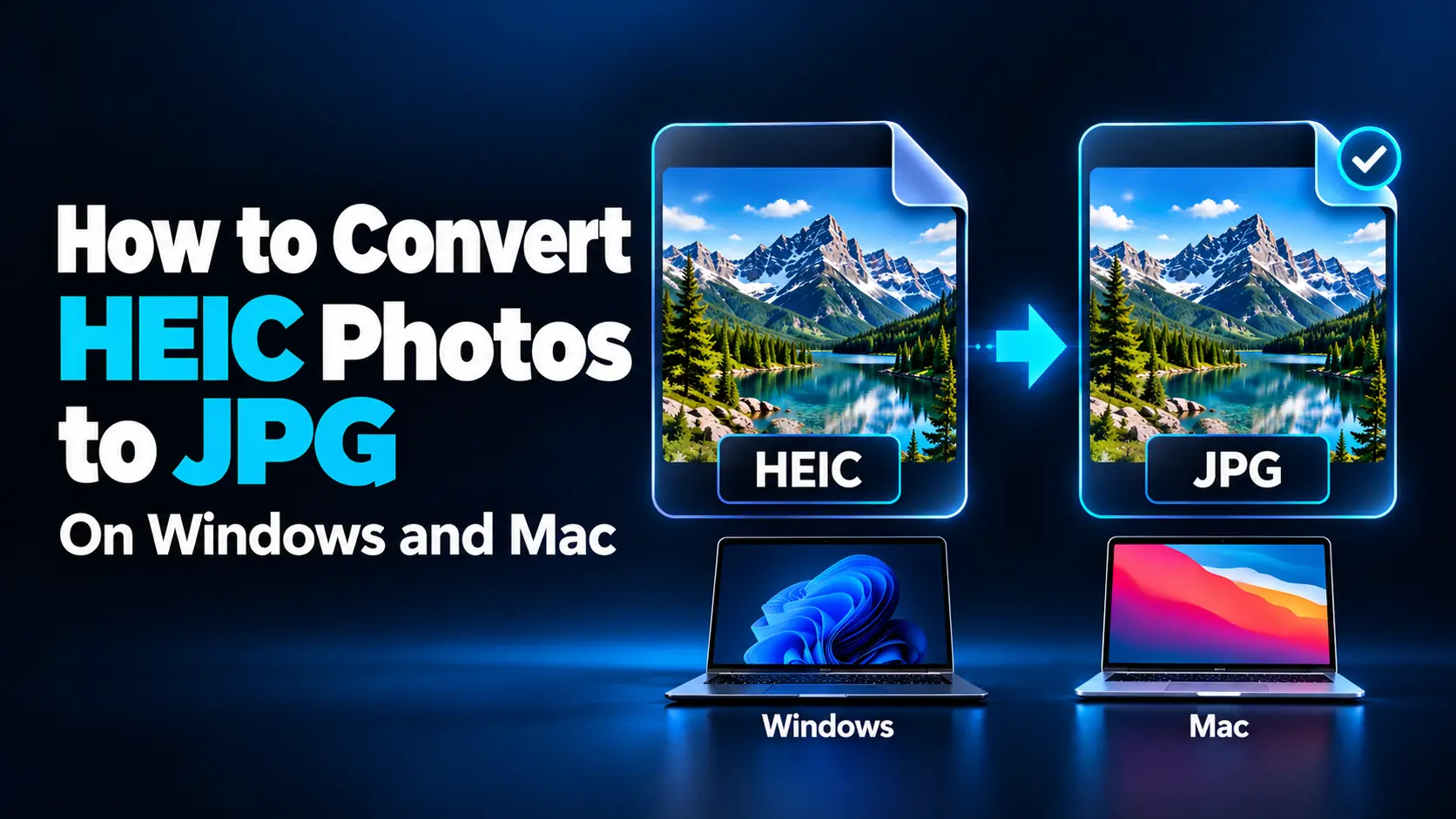
You transfer photos from your iPhone to your computer, then discover that a website will not accept them. Instead of familiar JPG files, the photos have a .heic extension. The pictures may look perfectly normal on your phone, yet another app cannot open them. This usually happens because the receiving software does not support the image format. Converting the photos …
Read More »Why Is My Microphone So Quiet? Simple Ways to Fix It
People keep asking you to speak louder during calls, or your latest voice recording sounds faint even with the playback volume turned up. Before replacing the microphone, check how it is positioned, connected, and selected in your software. A quiet microphone can result from low input gain, the wrong recording device, excessive distance, or an application that changes your audio …
Read More »720p vs 1080p vs 4K: Which Video Resolution Do You Need?
Choosing a video resolution seems simple: select the largest number for the best picture. In practice, that choice can also mean larger files, longer uploads, and more demanding editing without a noticeable improvement for every viewer. For many everyday projects, 1080p is a practical starting point. Choose 720p when reducing bandwidth or file size matters more than fine detail. Choose …
Read More »Why Do Images Look Blurry After Resizing? Causes and Fixes
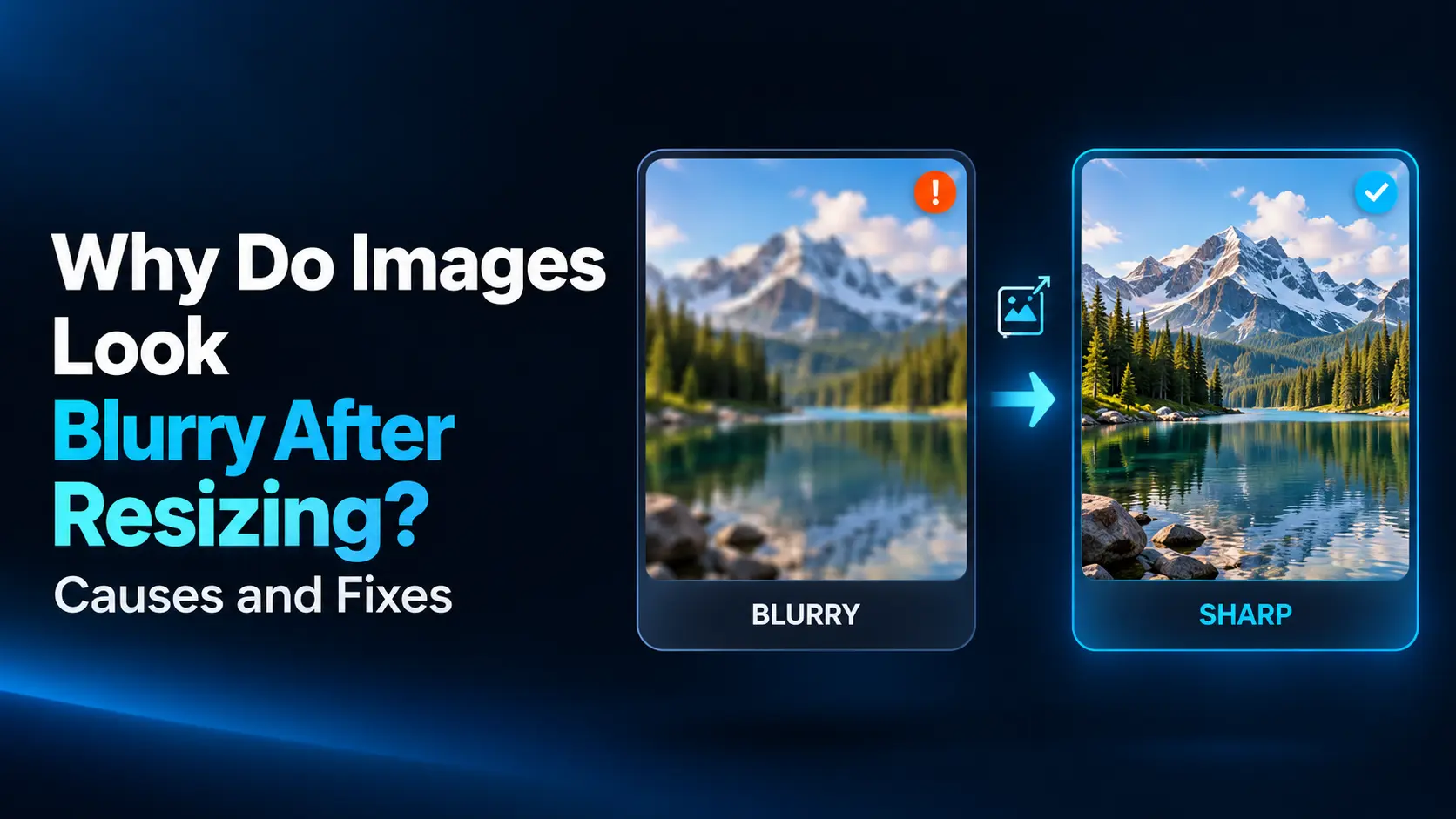
You resize a photograph, screenshot, or logo, and the result looks softer than the original. Fine details disappear, small letters become difficult to read, or edges develop an unpleasant fuzzy appearance. This does not always mean the resize tool is poor. The image may have been enlarged beyond its available detail, reduced too aggressively, compressed during export, or displayed incorrectly …
Read More »How to Extract Audio from Your Own Video Files
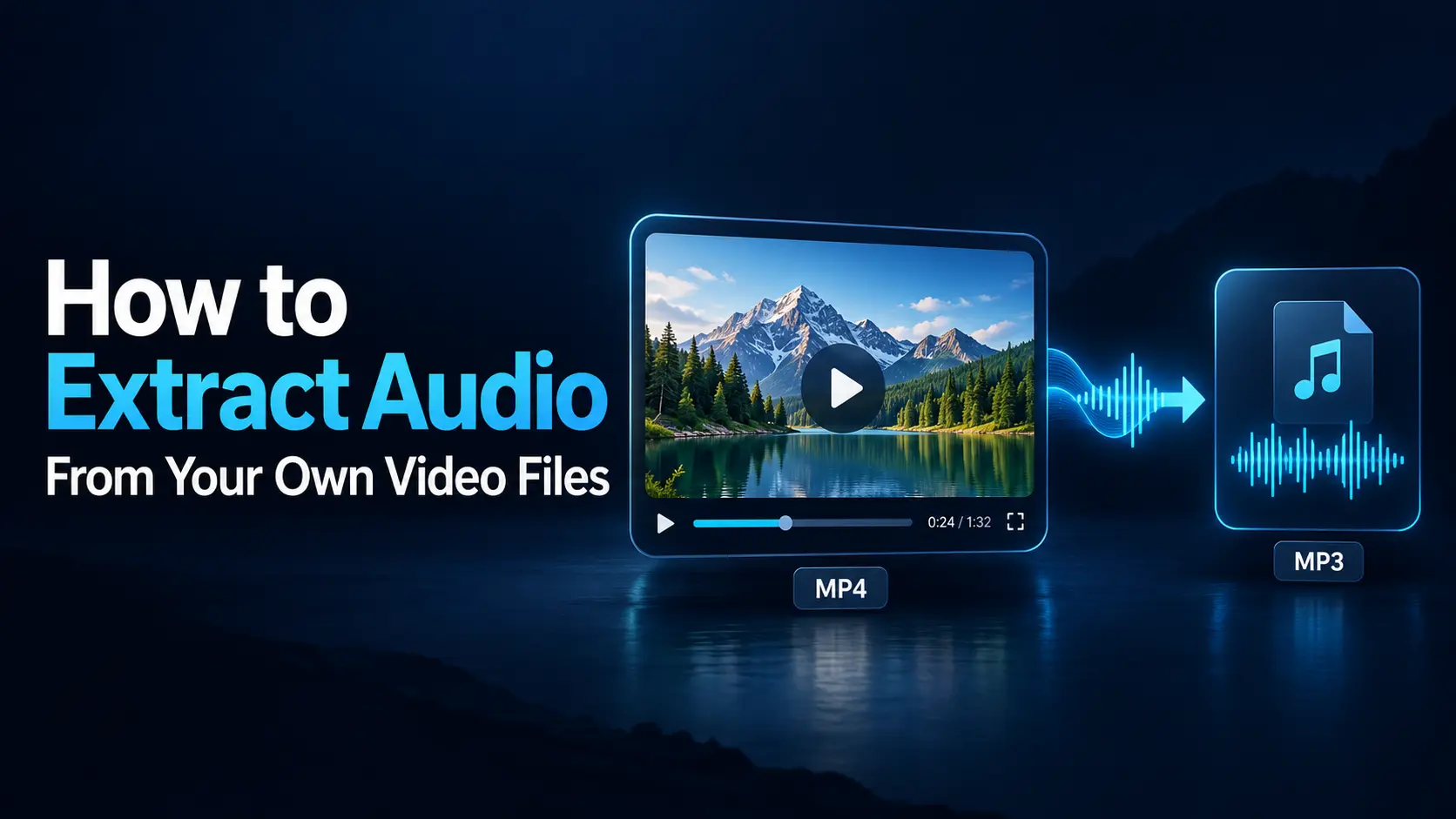
You may have a recorded interview that would work as a podcast, a presentation you want to hear while traveling, or a voiceover stored inside a video project. Extracting the audio lets you reuse that sound without keeping the picture in the final file. The process can be straightforward: open the video in a compatible application, choose an audio-only output, …
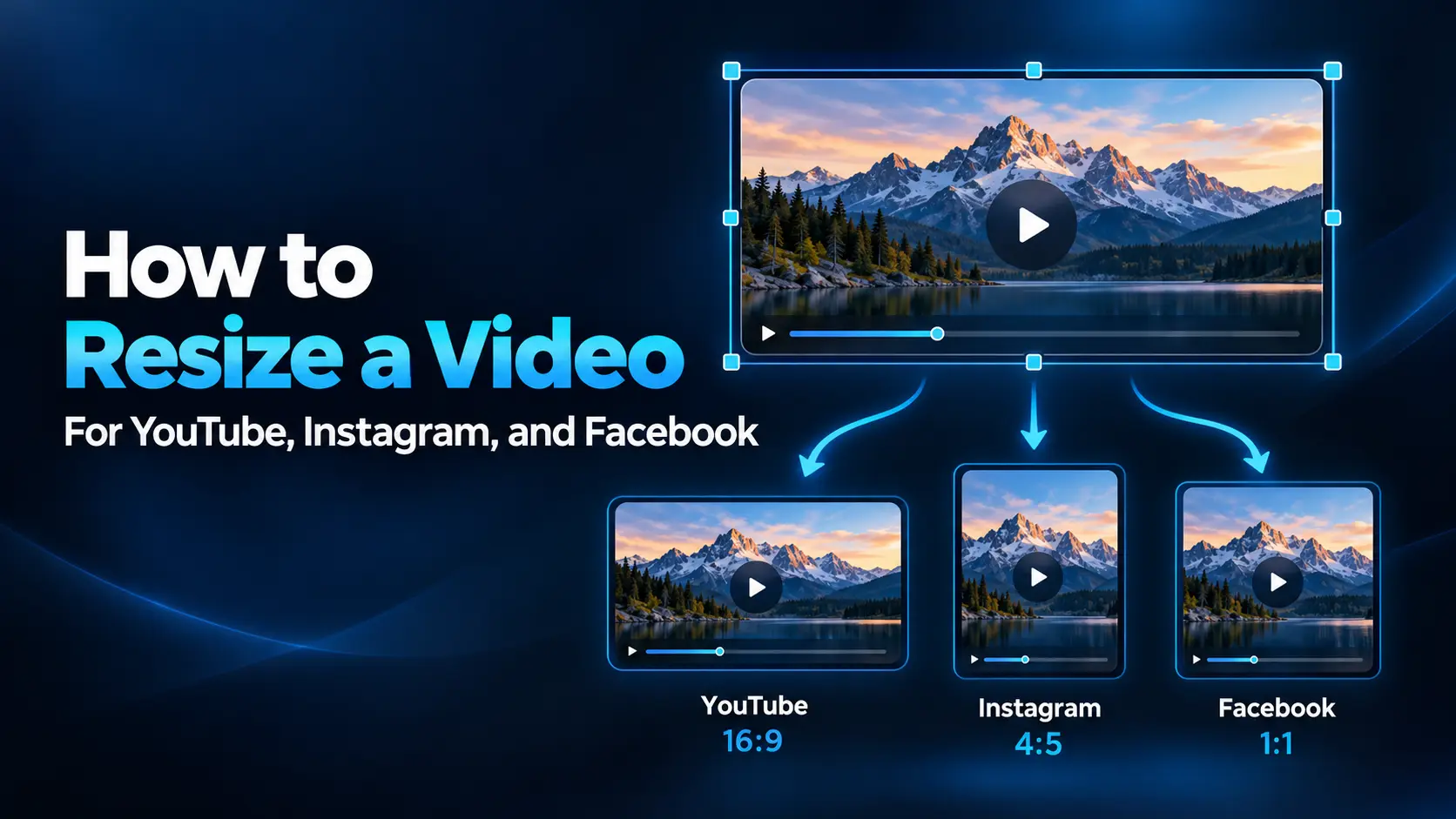
Read More »How to Resize a Video for YouTube, Instagram, and Facebook
A video that looks excellent on YouTube can feel awkward when placed inside an Instagram Reel. The picture may appear too small, captions may disappear behind buttons, or a vertical crop may cut the speaker out of the frame. Resizing successfully involves more than changing the export resolution. You need to choose the right frame shape, decide how the original …
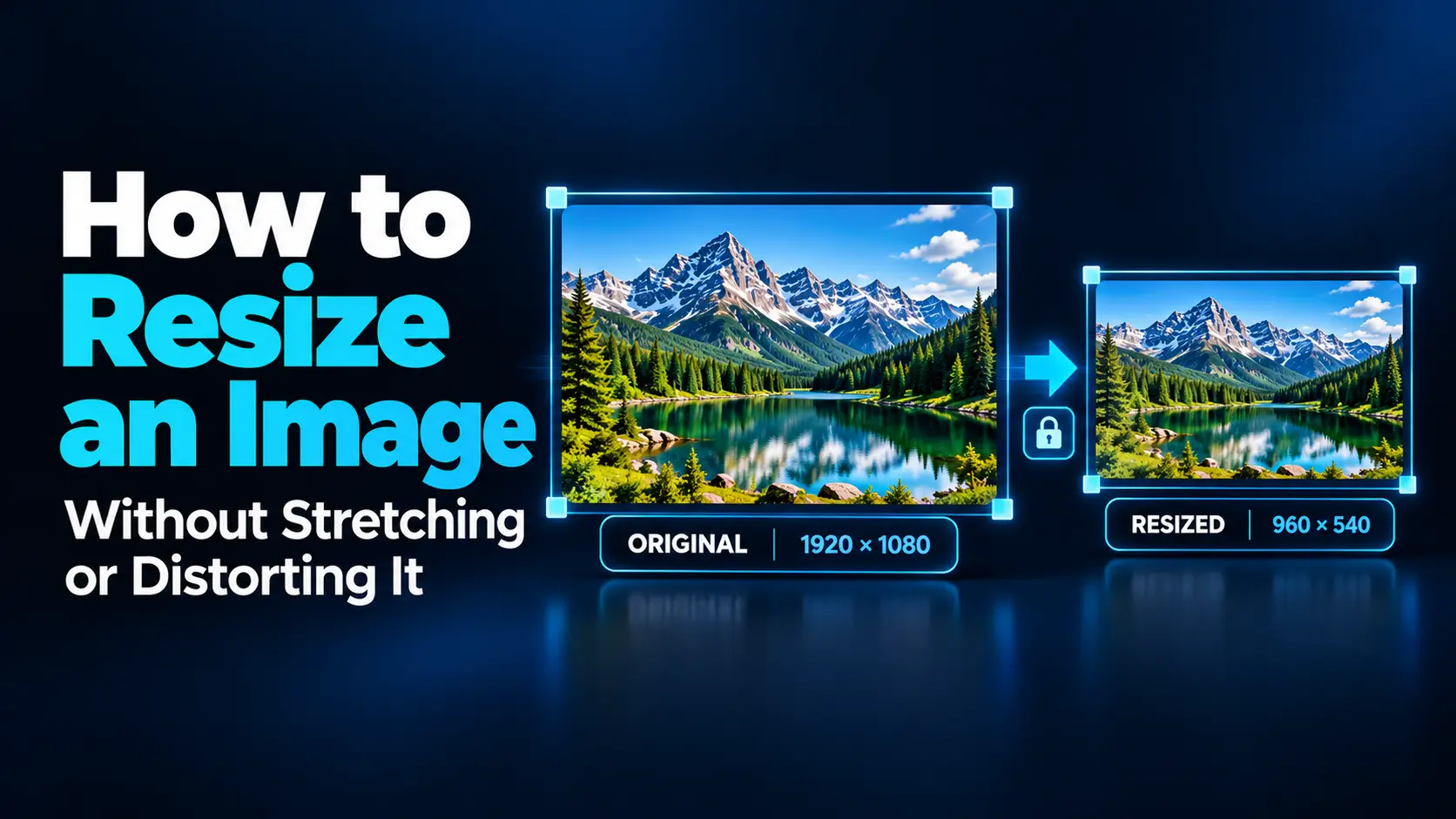
Read More »How to Resize an Image Without Stretching or Distorting It
You resize a photograph to fit a website banner, and suddenly the people look wider than they should. Or you make a logo fit a square box, only to discover that its circles have become ovals. This usually happens because the width and height were changed by different proportions. The solution is to preserve the image’s aspect ratio and decide …
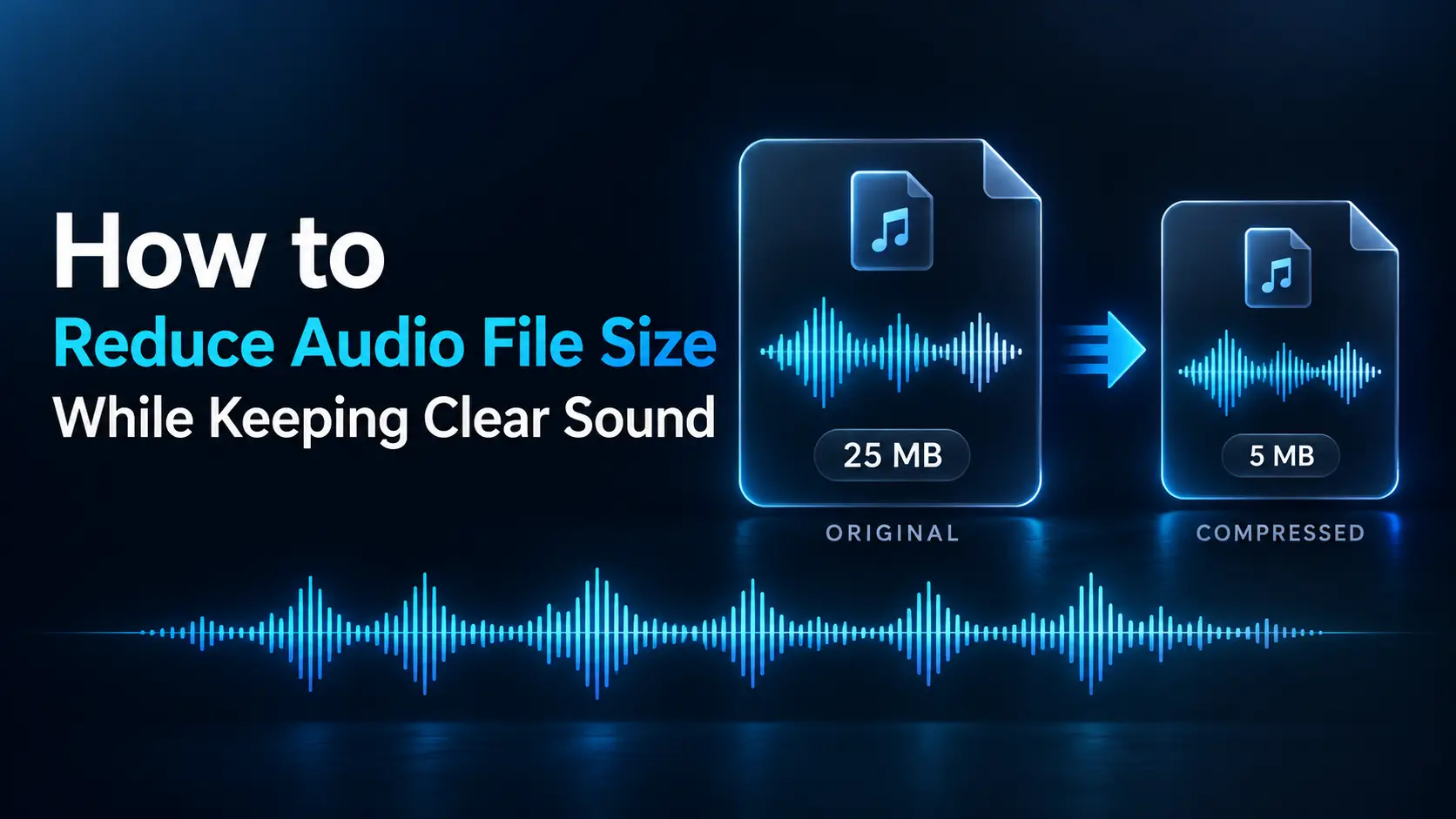
Read More »How to Reduce Audio File Size While Keeping Clear Sound
You click a video and see a black screen, a loading circle, or an error message. Sometimes the sound plays without a picture. Other times, a video works on your phone but refuses to open on your computer. These symptoms can have different causes. The file may be incomplete, the player may not support its codec, or a browser setting …
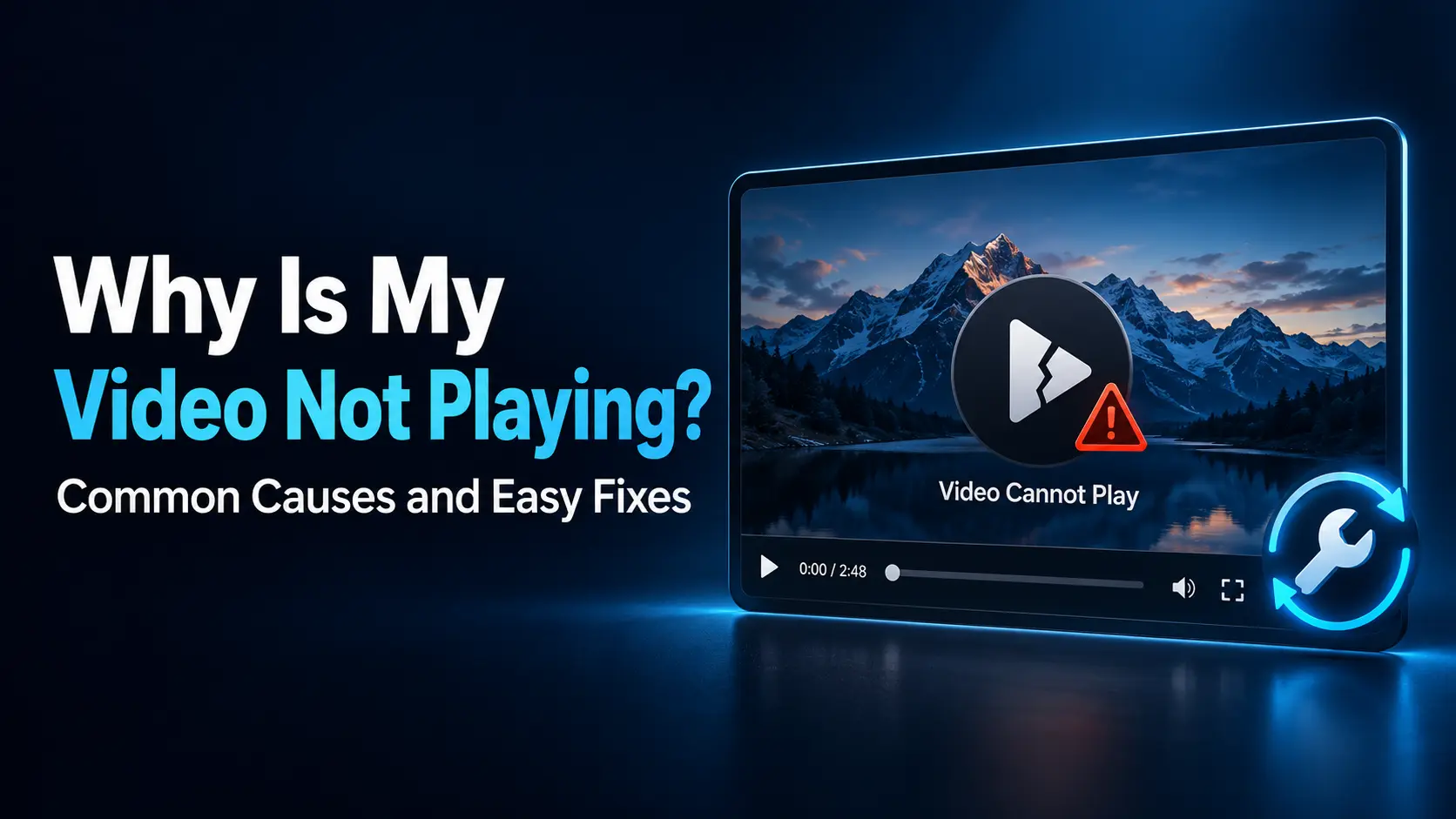
Read More »Why Is My Video Not Playing? Common Causes and Easy Fixes
You click a video and see a black screen, a loading circle, or an error message. Sometimes the sound plays without a picture. Other times, a video works on your phone but refuses to open on your computer. These symptoms can have different causes. The file may be incomplete, the player may not support its codec, or a browser setting …
Read More »How to Compress Images for Your Website Without Making Them Blurry
Large images can slow down a website, but reducing their file size too aggressively can leave photographs looking soft and screenshots difficult to read. The challenge is finding a balance between efficient downloads and clear, useful images. The best approach combines suitable pixel dimensions, an appropriate file format, and carefully tested compression settings. Moving the quality slider to its lowest …
Read More »How to Remove Background Noise from a Voice Recording
You finish recording a voiceover, interview, or podcast and notice an unwanted sound behind every sentence. It might be a computer fan, electrical hum, passing traffic, or a steady hiss that becomes obvious when you listen through headphones. You can often improve the recording by identifying the problem and applying the right treatment. However, removing every trace of background sound …
Read More »MP4 vs MOV vs WebM: Which Video Format Should You Choose?
You have finished recording or editing a video, but the export menu presents several options. Should you choose MP4, MOV, or WebM? The decision affects where the video plays, how easily someone can edit it, and how efficiently you can deliver it online. For most everyday sharing, MP4 with H.264 video and AAC audio is a practical starting point. MOV …
Read More »
MediaRar Simple Guides for Better Digital Media