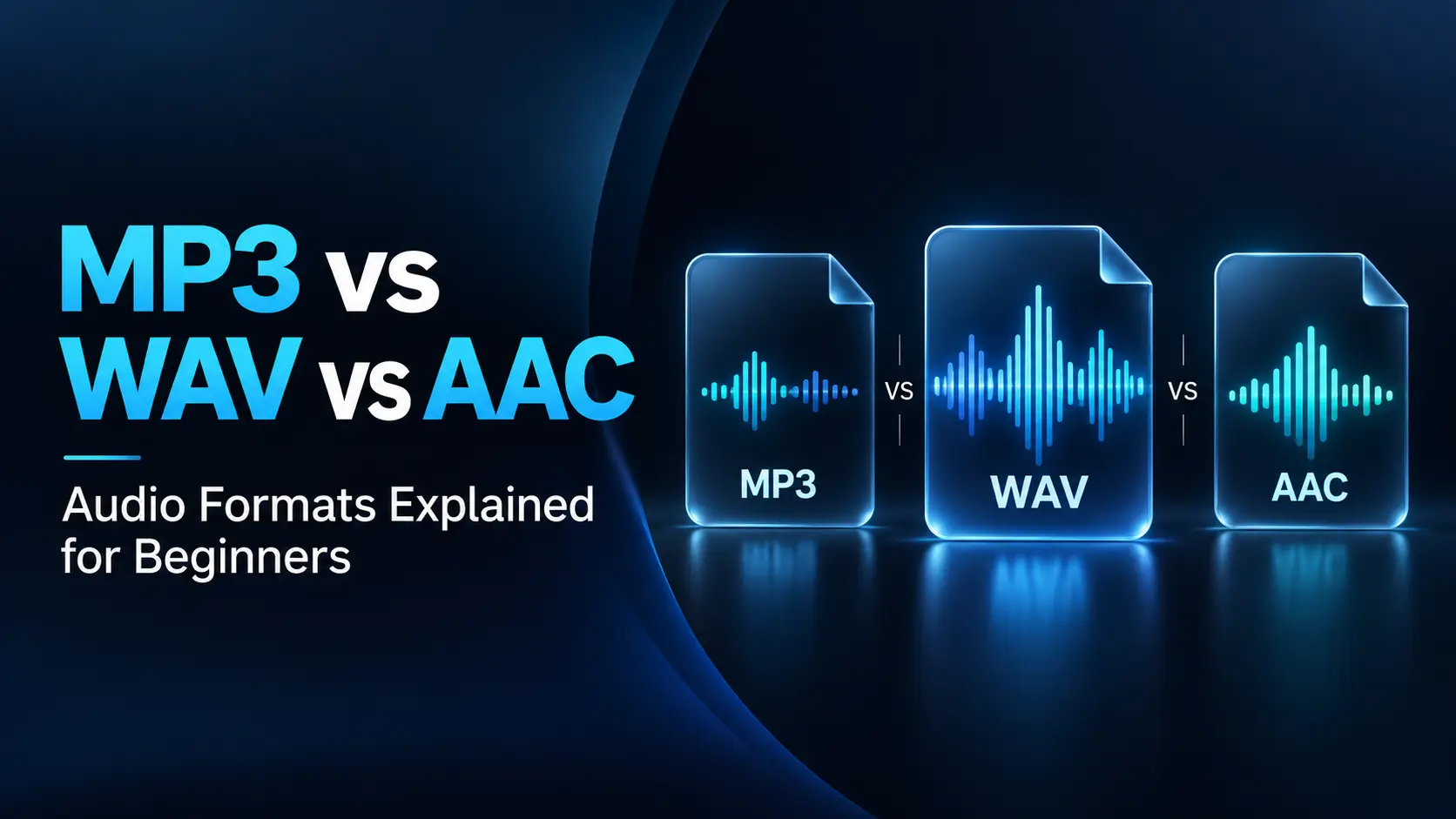
MP3 is a practical choice for small files and broad compatibility. WAV commonly stores uncompressed audio and is useful for recording and editing. AAC offers efficient lossy compression and is widely used for modern audio and video delivery.
The right choice depends on what happens next. A file intended for further editing has different needs from a listening copy on your phone. This guide explains the differences, compares file sizes, and helps you choose suitable settings without unnecessary technical complexity.
MP3 vs WAV vs AAC at a Glance
| Feature | MP3 | WAV with PCM audio | AAC |
|---|---|---|---|
| Compression | Lossy | Uncompressed | Lossy |
| Typical file size | Small | Much larger | Small |
| Main advantage | Broad playback compatibility | Avoids lossy encoding during production | Efficient quality-to-size balance |
| Common uses | Music sharing and downloadable audio | Recording, editing, and master files | Listening copies, streaming, and video audio |
| Common extensions | .mp3 | .wav | .m4a or .aac; also inside .mp4 video |
| Main limitation | Discards information during encoding | Requires more storage and transfer capacity | Support depends on the device, container, and profile |
WAV is technically a container, and it can hold different audio encodings. This article uses “WAV” mainly to describe its common uncompressed PCM form.
First, Understand Compression and Containers
An audio codec describes how sound is encoded and decoded. A container organizes the encoded sound and related information into a file.
MP3 and AAC are lossy audio coding formats. WAV is a container often used for pulse-code modulation, or PCM, audio.
With lossy compression, an encoder removes information to reduce the amount of data required. It aims to make those changes less noticeable to listeners, but the original information cannot be fully reconstructed from the compressed copy.
Lossless compression works differently. Formats such as FLAC and ALAC can reconstruct the original encoded PCM samples exactly while often using less space than uncompressed PCM.
Uncompressed and lossless are therefore related ideas, but they are not interchangeable descriptions. Uncompressed PCM WAV does not use the same size-saving approach as FLAC.
What Is MP3?
MP3 stands for MPEG Audio Layer III. It became widely used because it makes audio much easier to store, download, and share than uncompressed recordings.
Its main practical strength is compatibility. Many phones, computers, media players, and car audio systems can play MP3 files, although individual devices may impose limits on supported settings.
MP3 is useful when you want to send a listening copy to someone without knowing their exact equipment. It is also a reasonable option for downloadable spoken audio when the publishing platform accepts it.
How Good Does MP3 Sound?
MP3 quality depends on the source, encoder, bitrate, and material. A well-encoded file at a suitable bitrate can sound very close to the source during normal listening.
At more aggressive settings, you may hear roughness around cymbals, unnatural textures in quiet passages, or changes around sharp sounds. Not every recording exposes compression problems equally.
MP3 is best treated as a delivery format rather than the only copy of an important recording that you expect to edit later.
What Is WAV?
WAV, also called WAVE, is a file format commonly used to store uncompressed PCM audio. Its size is largely determined by duration, sample rate, bit depth, and channel count.
WAV is widely used in audio production because it avoids introducing lossy compression when exchanging recordings or exporting intermediate work.
For example, a voice actor might deliver a PCM WAV recording to a video editor. The editor can adjust timing, clean up noise, and mix it with music before producing the final compressed video.
Does WAV Always Sound Better?
No. A WAV file preserves whatever audio it contains, including background noise, clipping, and earlier compression damage.
If someone converts a poor-quality MP3 into WAV, the resulting file becomes larger without recovering the information already removed.
WAV is valuable for preserving a good source and supporting production workflows. Its extension is not a guarantee that the recording itself is excellent.
What Is AAC?
Advanced Audio Coding, or AAC, is another lossy audio format. It was developed with coding improvements that can deliver comparable perceived quality at lower bitrates than MP3 in many situations.
AAC is used across a broad range of devices and services. It is not limited to Apple products, even though many people associate it with Apple’s music software.
AAC-LC is a common profile for ordinary audio delivery. Other AAC profiles serve different purposes, so compatibility should be checked for the actual exported file.
Is AAC Always Smaller Than MP3?
No. For the same duration and average total bitrate, MP3 and AAC files are approximately the same size, apart from overhead and metadata.
AAC’s potential advantage is that it may achieve acceptable quality at a lower bitrate. You only obtain the corresponding size reduction if you choose a lower rate.
There is no fixed conversion rule stating that one AAC bitrate always equals a particular MP3 bitrate. Encoder quality, content, and listening conditions affect the comparison.
AAC vs M4A: Why the Names Can Be Confusing
AAC is an audio codec. M4A is a filename extension commonly used for audio-only files based on the MP4 container.
An M4A file may contain AAC audio, but it can also contain lossless ALAC audio. Seeing “.m4a” alone does not tell you whether the audio uses lossy compression.
Similarly, an MP4 video can contain AAC sound alongside its video track.
To identify the actual encoding, check the file information in a media player or audio application. Renaming an extension does not convert the sound or improve compatibility.
Bitrate, Sample Rate, and Bit Depth Explained
Bitrate: How Much Data Is Used Each Second
Bitrate is commonly expressed in kilobits per second, or kbps. For compressed audio, it is a useful indicator of the data budget available to the encoder.
Within the same codec and comparable settings, a higher bitrate generally allows better preservation of the source but creates a larger file. It cannot repair a damaged original.
Always compare like with like. A 256 kbps stereo file and a 256 kbps mono file have different amounts of data available for their respective channels.
Sample Rate: How Often Audio Is Sampled
Sample rate is measured in hertz or kilohertz. At 44.1 kHz, each channel has 44,100 samples per second. Common rates include 44.1 kHz for music workflows and 48 kHz for video production.
Keep the source or project rate unless your delivery requirements call for something else. Increasing an existing file’s sample rate does not recreate information that was never captured.
Bit Depth: Precision of PCM Samples
Bit depth describes the precision used to represent PCM sample values. Common integer PCM choices include 16-bit and 24-bit.
Higher bit depth can reduce quantization noise and provide a larger representable dynamic range. That is useful in recording and processing, but it does not automatically make an existing recording sound better.
Do not confuse a 24-bit WAV setting with a 256 kbps AAC setting. They describe different properties and cannot be compared as equivalent quality numbers.
How Large Are MP3, WAV, and AAC Files?
The following calculations use a four-minute recording. Sizes are approximate decimal megabytes, excluding metadata and container overhead.
| Format and settings | Approximate size |
|---|---|
| MP3 at 128 kbps | 3.84 MB |
| MP3 at 192 kbps | 5.76 MB |
| MP3 at 320 kbps | 9.60 MB |
| AAC at 128 kbps | 3.84 MB |
| AAC at 256 kbps | 7.68 MB |
| PCM WAV: 44.1 kHz, 16-bit stereo | 42.34 MB |
| PCM WAV: 48 kHz, 24-bit stereo | 69.12 MB |
For compressed audio, a useful formula is:
Size in MB ≈ average total bitrate in kbps × duration in seconds ÷ 8,000.
For uncompressed integer PCM, calculate the bitrate from sample rate × bit depth × channel count. That explains why adding channels or increasing sample rate makes a PCM WAV larger.
These are size comparisons, not a claim that every row sounds equally good.
Constant Bitrate vs Variable Bitrate
Constant bitrate, or CBR, keeps the encoded data rate broadly fixed. This makes file-size estimates straightforward and can suit systems that request a particular rate.
Variable bitrate, or VBR, allows the encoder to allocate different amounts of data to different sections. Complex passages can receive more data than simpler ones.
VBR can be useful when you care more about a quality target than an exact size. The final file size depends on the average bitrate achieved across the recording.
Neither setting is automatically correct for every task. Follow a platform’s delivery specification when one is provided.
Which Format Should You Choose?
For Everyday Music Listening
MP3 and AAC are both practical choices. As starting points for stereo music, compare MP3 around 192–320 kbps or AAC around 192–256 kbps, then listen to the exported result.
These ranges are practical starting points, not universal requirements. Choose MP3 when broad compatibility is the main concern. Choose AAC when your devices support it and its quality-to-size balance suits your needs.
For Recording and Audio Editing
Keep an uncompressed PCM WAV or another suitable lossless source. Save the editing project as well if you need to preserve separate tracks, effects, and future changes.
Export an MP3 or AAC copy when the work is ready for listening or delivery. A final stereo WAV is not a replacement for the original multitrack project.
For Voice-Overs and Documentary Production
Use the format requested by the editor. PCM WAV at the project’s sample rate is a common choice for exchanging voice recordings.
For example, a documentary workflow might keep narration and music sources in WAV, mix them in the editing project, and use AAC audio in the final MP4 export. Each format serves a different stage.
For Podcasts and Spoken Audio
Keep a high-quality master and follow your hosting service’s accepted delivery formats. MP3 is a practical distribution option when supported.
If the recording is genuinely mono speech, preserving it as mono can avoid allocating data to an unnecessary second channel. Keep stereo when music, spatial effects, or the production itself benefits from it.
For Long-Term Preservation
Retain the best original recording and useful metadata. PCM WAV is suitable for many preservation workflows; lossless formats such as FLAC can save space when supported by your archive or software.
No format replaces backups. A carefully named file stored in only one location can still be lost.
How to Convert Audio Without Unnecessary Quality Loss
- Start from the best source.
Use the original recording or lossless master when available. - Choose the destination first.
Check which formats, channel counts, and sample rates it accepts. - Keep an unchanged original.
Export to a new filename instead of overwriting your only copy. - Finish editing before lossy export.
Avoid repeatedly converting between MP3 and AAC during production. - Check the finished file.
Listen for distortion, missing channels, unexpected silence, and timing changes. - Test playback where it matters.
Confirm that the intended phone, browser, player, or editing application opens it correctly.
If an MP3 is your only source, decoding it to WAV can be useful for editing. It prevents the need for additional lossy encoding at each intermediate export, but it does not restore information lost in the original MP3.
How to Compare Sound Quality Fairly
Use the same source recording for each export. Comparing two different masters or recordings tells you little about the formats themselves.
Match playback loudness as closely as practical. A slightly louder file can seem more impressive even when its encoding is not better.
Listen to demanding sections: cymbals, applause, quiet reverberation, dense music, and sharp consonants. Compare on the equipment you normally use, preferably without knowing which version is playing.
If both compressed versions sound satisfactory, choose according to compatibility and size. There is no need to force an audible distinction that you cannot reliably hear.
Frequently Asked Questions
1. Is WAV better quality than MP3?
A PCM WAV made from the original recording avoids MP3’s lossy encoding. However, an MP3 can sound very close at suitable settings, and a WAV made from an MP3 does not recover lost quality.
2. Is AAC better than MP3?
AAC often offers greater compression efficiency, particularly at lower bitrates. The audible result still depends on the encoder, settings, content, and listener. MP3 remains useful when compatibility is the priority.
3. Does converting MP3 to 320 kbps improve it?
No. Re-encoding a lower-bitrate MP3 at 320 kbps cannot restore removed information and may introduce additional loss. Create the higher-quality copy from the original source instead.
4. Are AAC and ALAC the same?
No. AAC is lossy, while ALAC is lossless. Both can appear in files with an M4A extension, so inspect the actual codec rather than relying only on the filename.
5. Which format should I use for audio loops?
PCM WAV is a practical choice for editing and timing-sensitive loops. Some compressed formats involve encoder delay or padding, and gapless playback depends on software support. Test the exact file in the application that will repeat it.
Choose the Format for the Job
Use MP3 for convenient sharing, AAC for efficient delivery on compatible devices, and PCM WAV for recording or production work where avoiding lossy encoding matters.
Keep a good original, export a separate listening copy, and check the result. The most useful format is the one that preserves what your task needs while working reliably for its audience.